







Skip to content

Seats and Photos, in one link.

Guests find their seat at the door. At dinner, the same link is their camera.

Set up in minutes, from your phone.

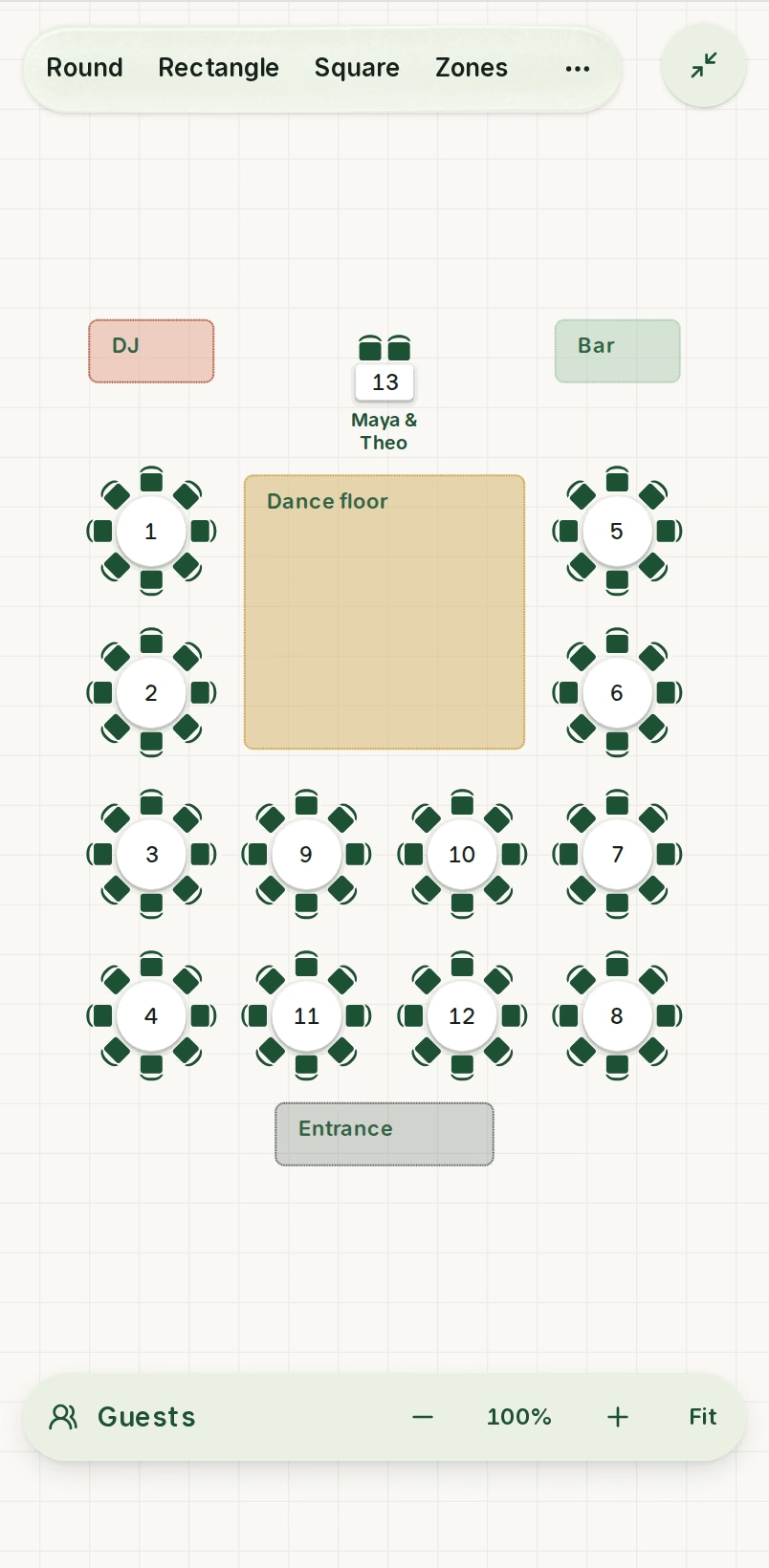
Import your spreadsheet, lay out the room, seat everyone and print one sign for the door.

Try the guest demo

Guests find their seat in seconds.

  1. Guests find their seat in seconds.

    No app, no account, no login.

  2. Type two letters.

    Elias types “El” and sees their name and table.

  3. Tap their name.

    Their place card opens with their table, seat number, and the evening’s schedule.

  4. Flip the card.

    Who’s at their table, and their meal.

  5. See the room.

    Their table lights up on the floor plan.

A disposable camera on every phone.

9 of 12 shots left on your roll

  1. Take a photo.

    Elias’s place card becomes their camera.

  2. Add a clip to the reel.

    15 seconds every guest can watch.

  3. Leave a private message.

    15 seconds only the couple can see.

Guests find their seat in seconds.

  1. Guests find their seat in seconds.

    No app, no account, no login.

  2. Type two letters.

    Elias types “El” and sees their name and table.

  3. Tap their name.

    Their place card opens with their table, seat number, and the evening’s schedule.

  4. Flip the card.

    Who’s at their table, and their meal.

  5. See the room.

    Their table lights up on the floor plan.

  1. A disposable camera on every phone.

    Take a photo.

    Elias’s place card becomes their camera.

    9 of 12 shots left on your roll

  2. Add a clip to the reel.

    15 seconds every guest can watch.

  3. Leave a private message.

    15 seconds only the couple can see.

3–36photos

Default is 12 photos on each roll, or pick any limit from 3 to 36.

2videos

A private message only the couple sees, and a clip for the reel every guest can watch.

Developsin the morning

Guests see only their own photos during the night until you open the shared album.

Every table’s photos, in one shared album.

Guests raising red and white wine in a toastYours
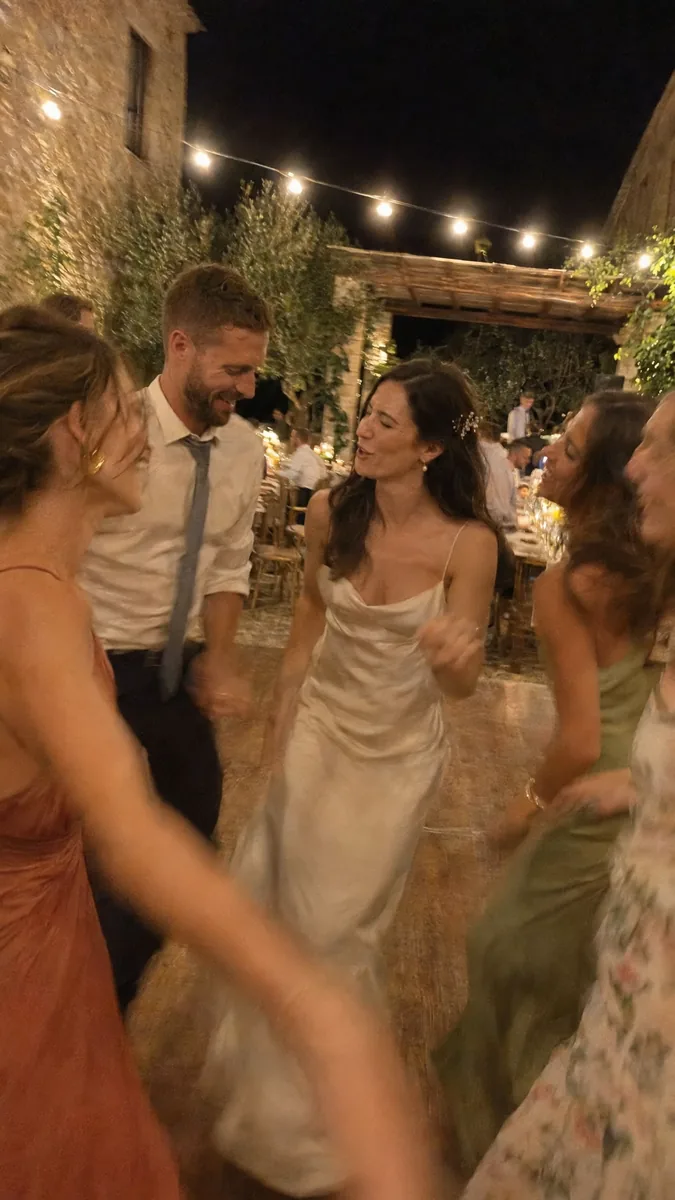
The bride dancing with friends under the string lights
Two guests laughing in a hug beside their tableBy Eleanor
The couple cutting their cake while a guest films it on her phone
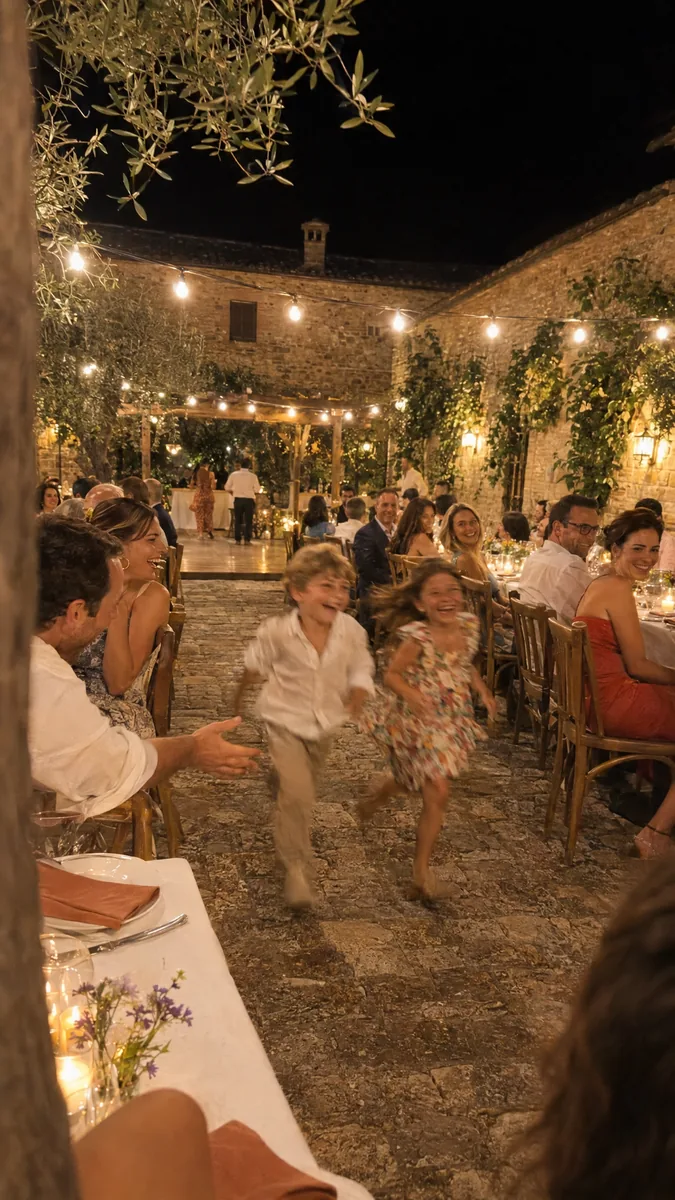
Two children running between the tablesYours
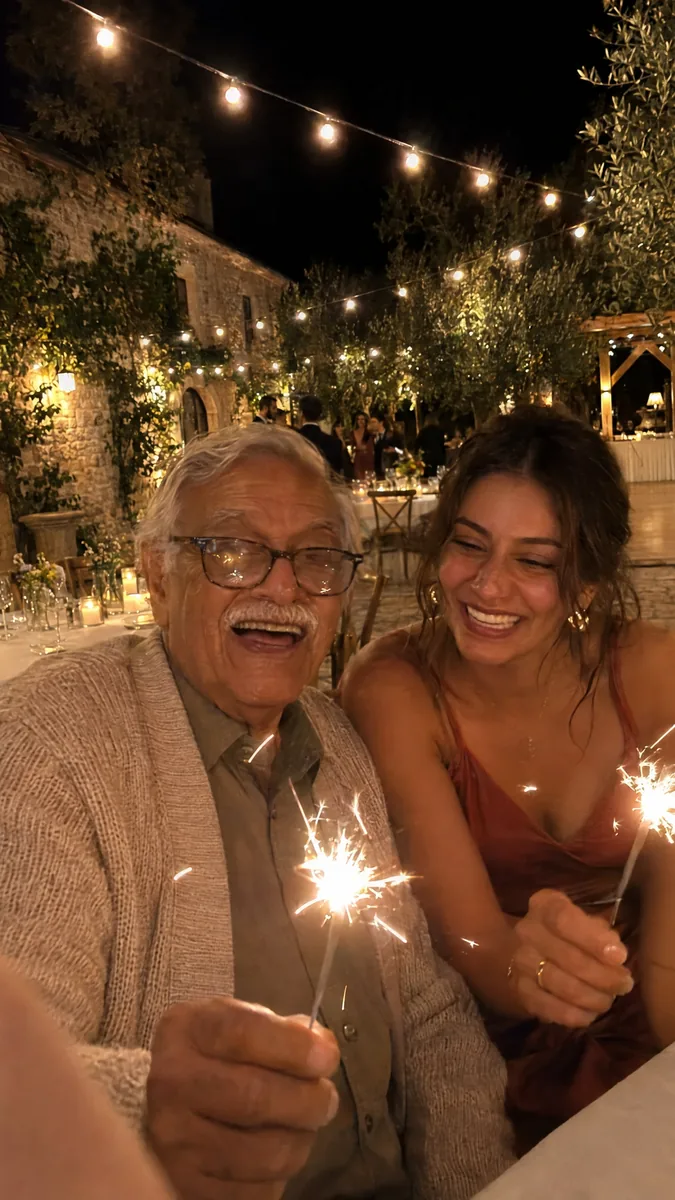
An older guest holding a sparkler, laughing with the woman beside him
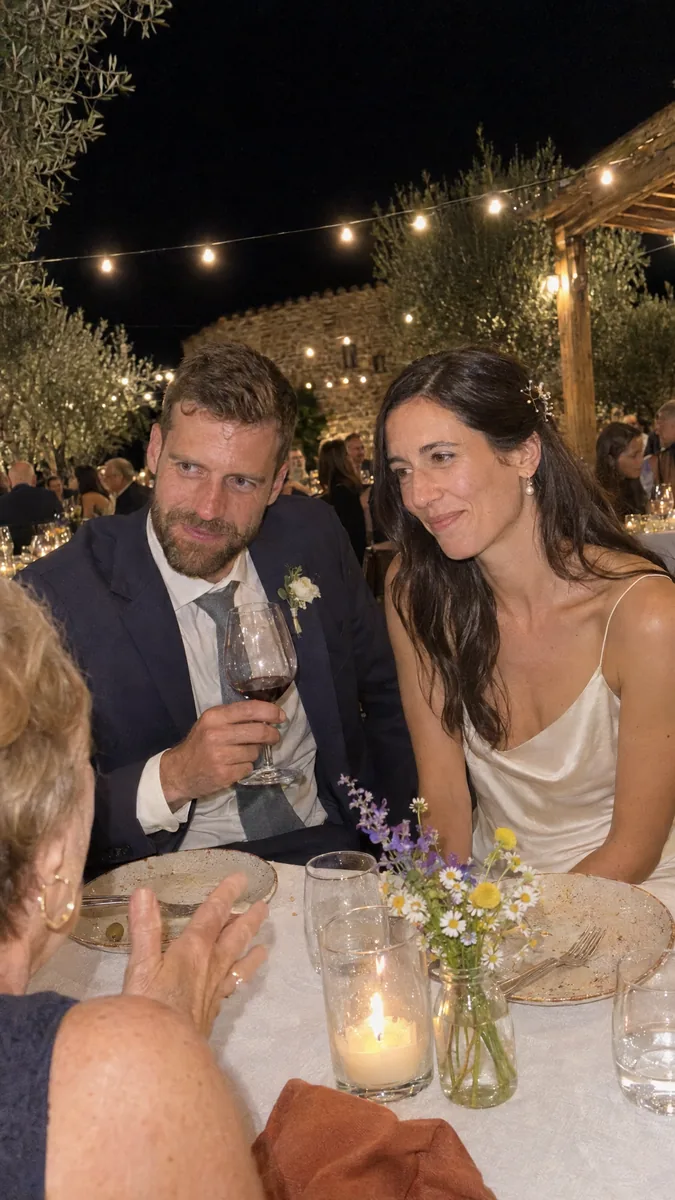
The couple at their table, the groom holding a glass of red wineYours
A cleared plate, a candle and wildflowers on a table after dinnerBy Gus
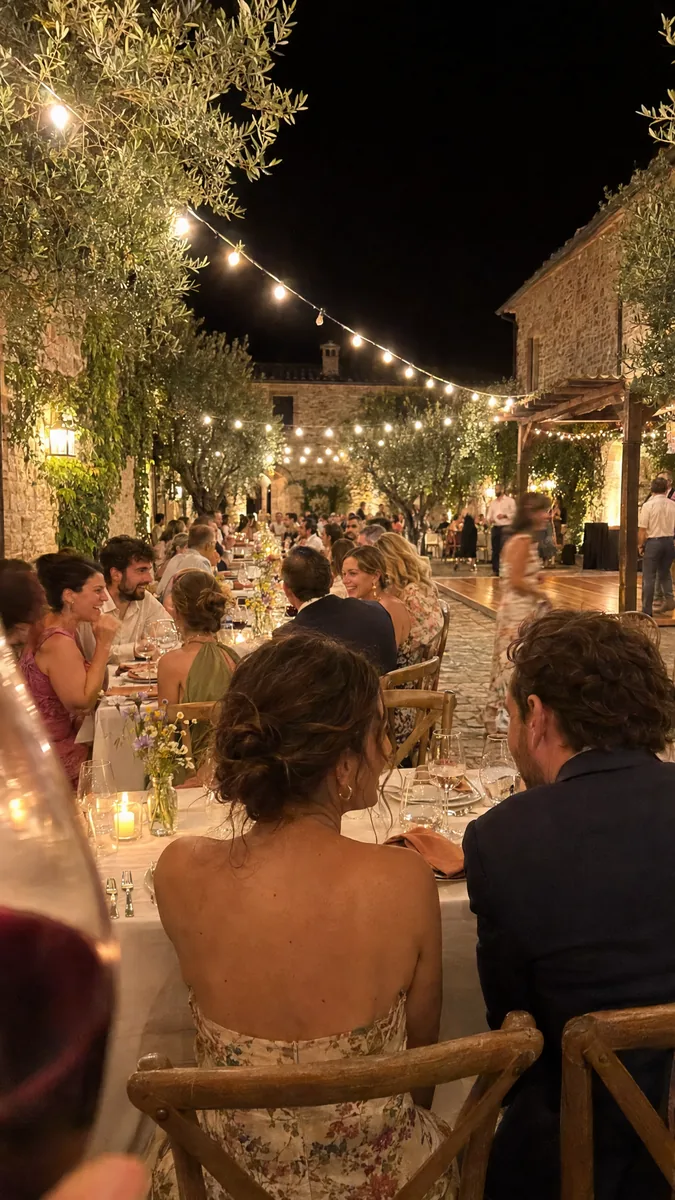
Guests at long tables under string lights in a stone courtyardBy Kit

Maya & Theo’s Wedding

The night’s 125 shots, from 8:30 PM to 11:45 PM, 3 of them yours.

Save your shots to your phone ↓

And the videos, waiting for morning.

Private messages go straight to the couple, while the evening’s reel opens with the album for every guest.

Messages go to the couple. The reel opens with the album.

  • Gus talking to the camera, the dance floor behind himPrivateFrom Gus0:15
  • Clara talking to the camera at her tablePrivateFrom Clara0:15
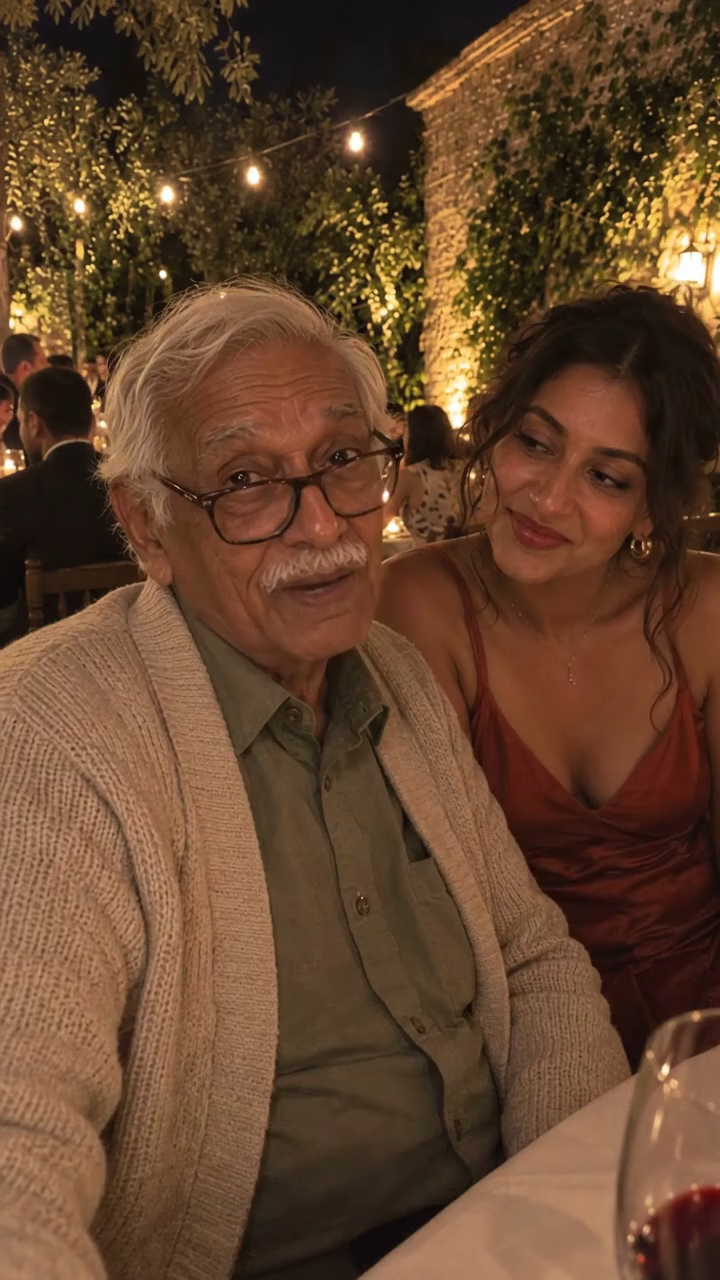
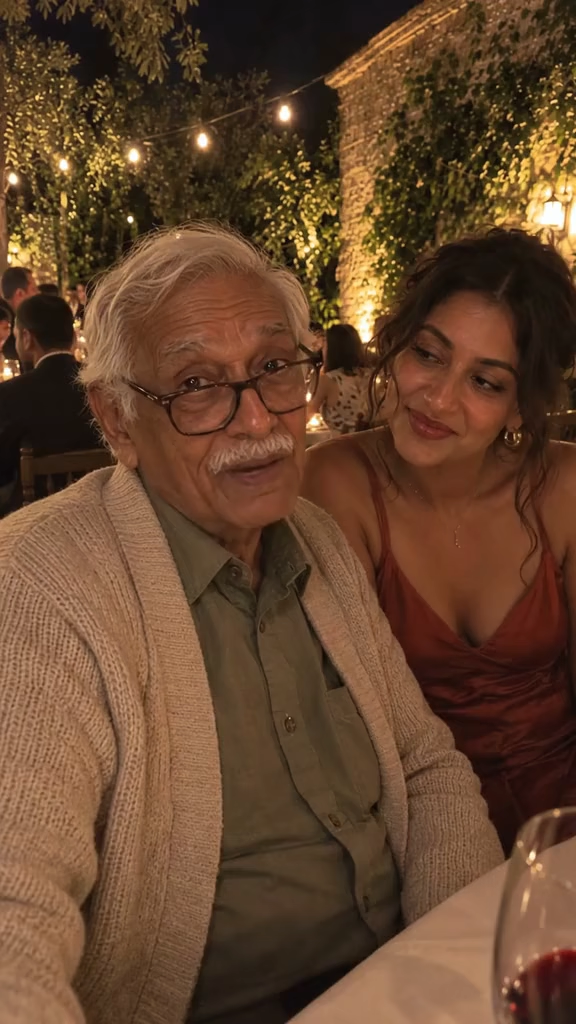
  • A grandfather speaking to the couple, his granddaughter beside himPrivateFrom Elias0:10
For the couple
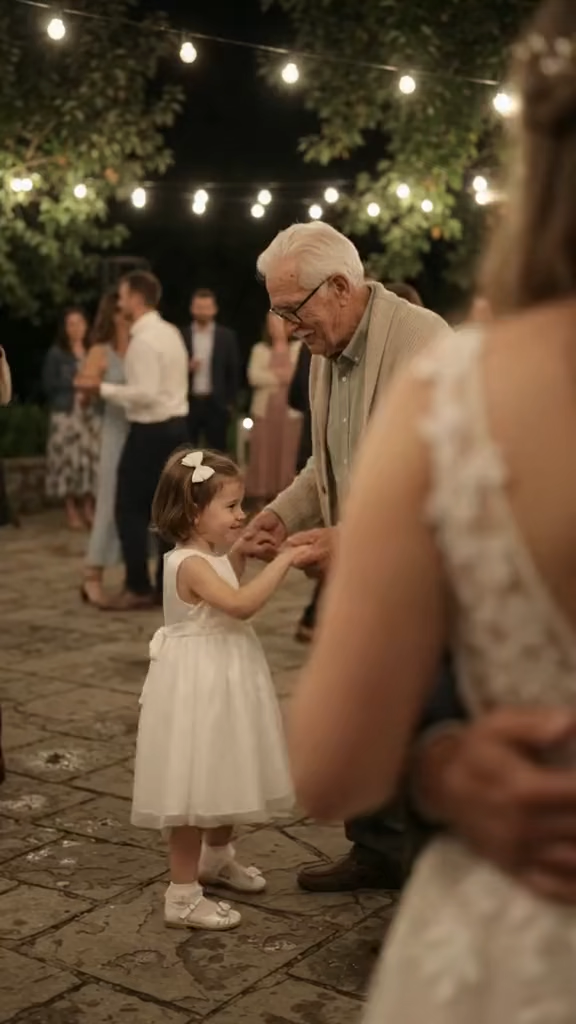
  • A grandfather dancing with his small granddaughter, her hands in hisGrandpa’s smallest dance partner0:15
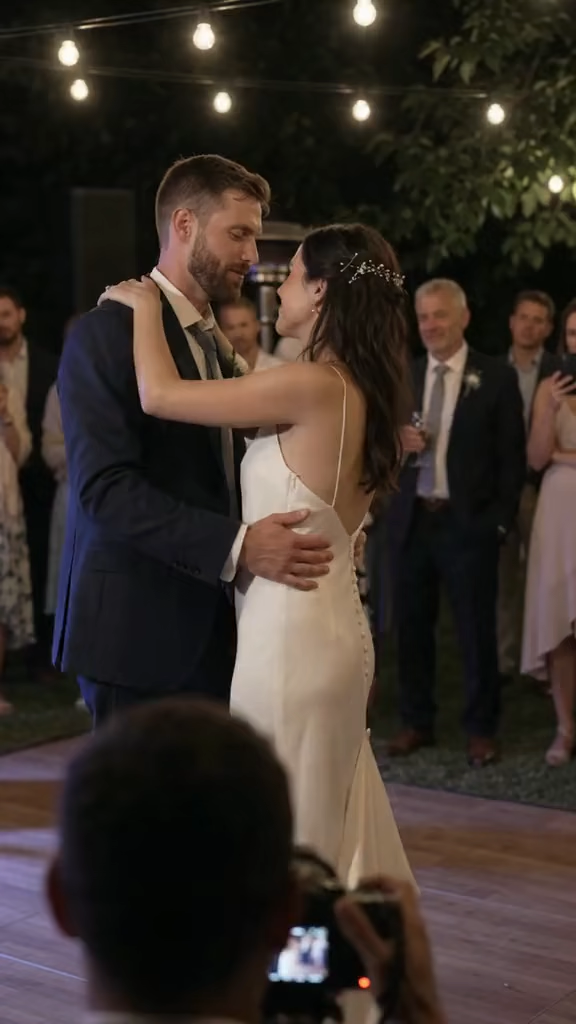
  • The couple’s first dance, a guest filming it on a phoneThe first dance0:15
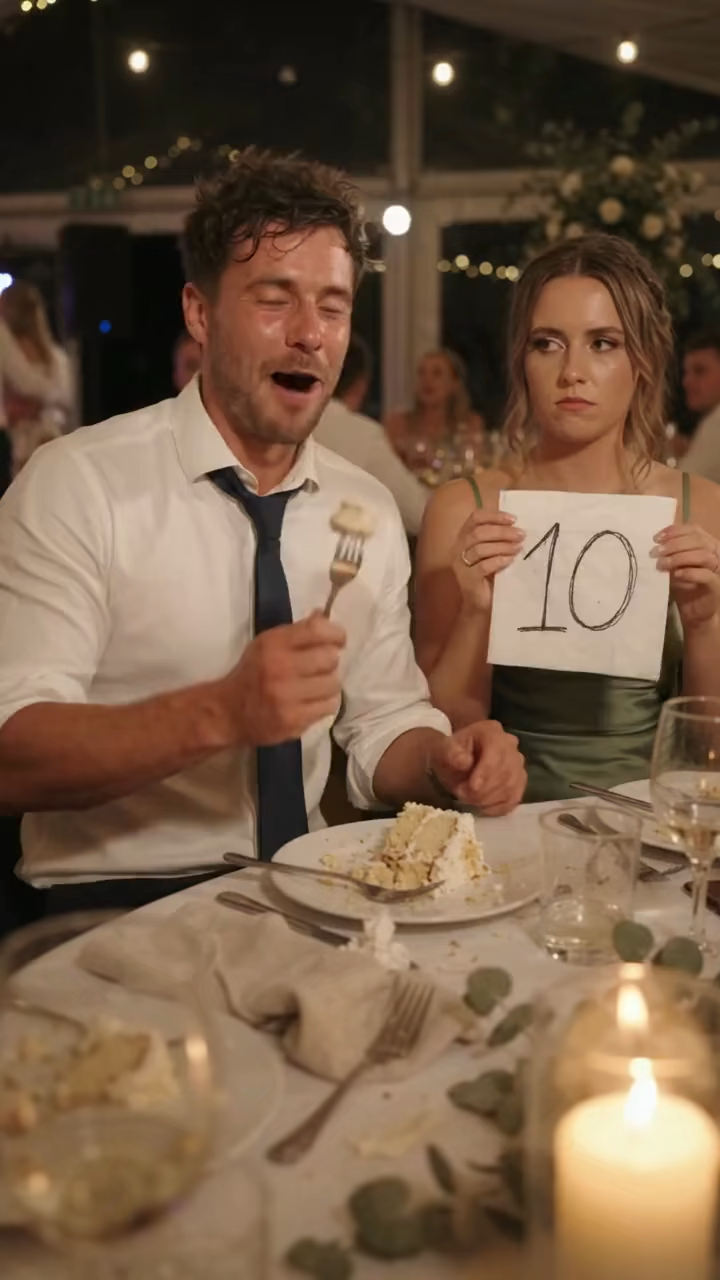
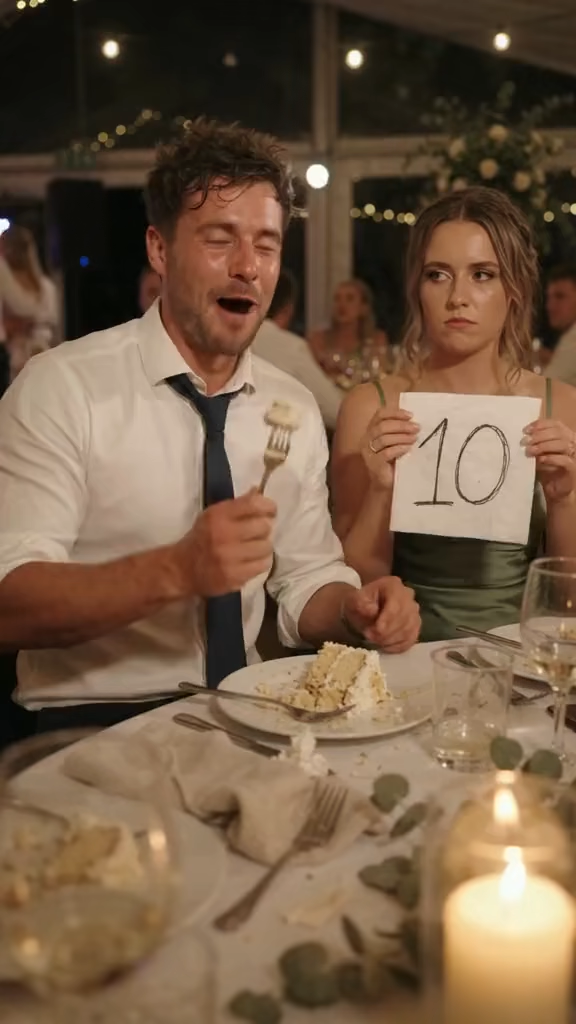
  • A guest rates the groom’s dancing into a forkful of cake like a microphone, the woman beside him holding up a 10Table 6 scores the groom0:15
The evening’s reel

Free to build. Pay when you publish.

Single event

One wedding, one gala, one night.

$79one-timeplus tax where applicable

  • Unlimited guests
  • Seating chart builder
  • Place cards on every guest’s phone
  • Guest camera for photos and clips
  • Video messages from guests
  • Shared album, kept a year after the event
  • Run it all from your phone
Start for free

Multi event

Every weekend, every venue, one subscription.

$149/ monthplus tax where applicable

  • Everything in Single event
  • Unlimited events
  • All your events in one place
  • Copy a seating layout from a past event
Start for free

Questions

Questions? Email us at support@placecard.app

Do guests need to download anything?

No. Guests scan the QR sign at the door or tap a link you send, and their card and camera open right in Safari or Chrome, with no app to download and no account to create.

What about guests without a smartphone?

You can export print-ready place cards directly from your seating chart, with each guest’s name, table, and seat number.

What does it cost to try?

Nothing. Build your event, import your spreadsheet, lay out the room, and preview the guest experience for $0. You only pay when you publish.

Can I change seats after publishing?

Yes, at any time, even during the event. Guests see their updated table and seat the moment they open their card.

Who can look up a name?

Anyone who scans your sign or opens your event link can search by name. You can also choose whether guests can browse the full guest list or only search.

How do the cameras work?

You set when the cameras unlock and close, plus the roll limit (12 shots by default, or anywhere from 3 to 36). You can set the shared album to open automatically or review photos first.

What if the event is cancelled?

Email us within 7 days of publishing a single event for a full refund, no questions asked. Multi-event subscriptions can be cancelled any time; published events stay live, with their guest list and seating locked until you resubscribe or spend a $79 event credit on the event.