QR code seating chart
One scan and guests find their table, no app needed. Free for the next 25 hosts. Publish one event free, normally $79.
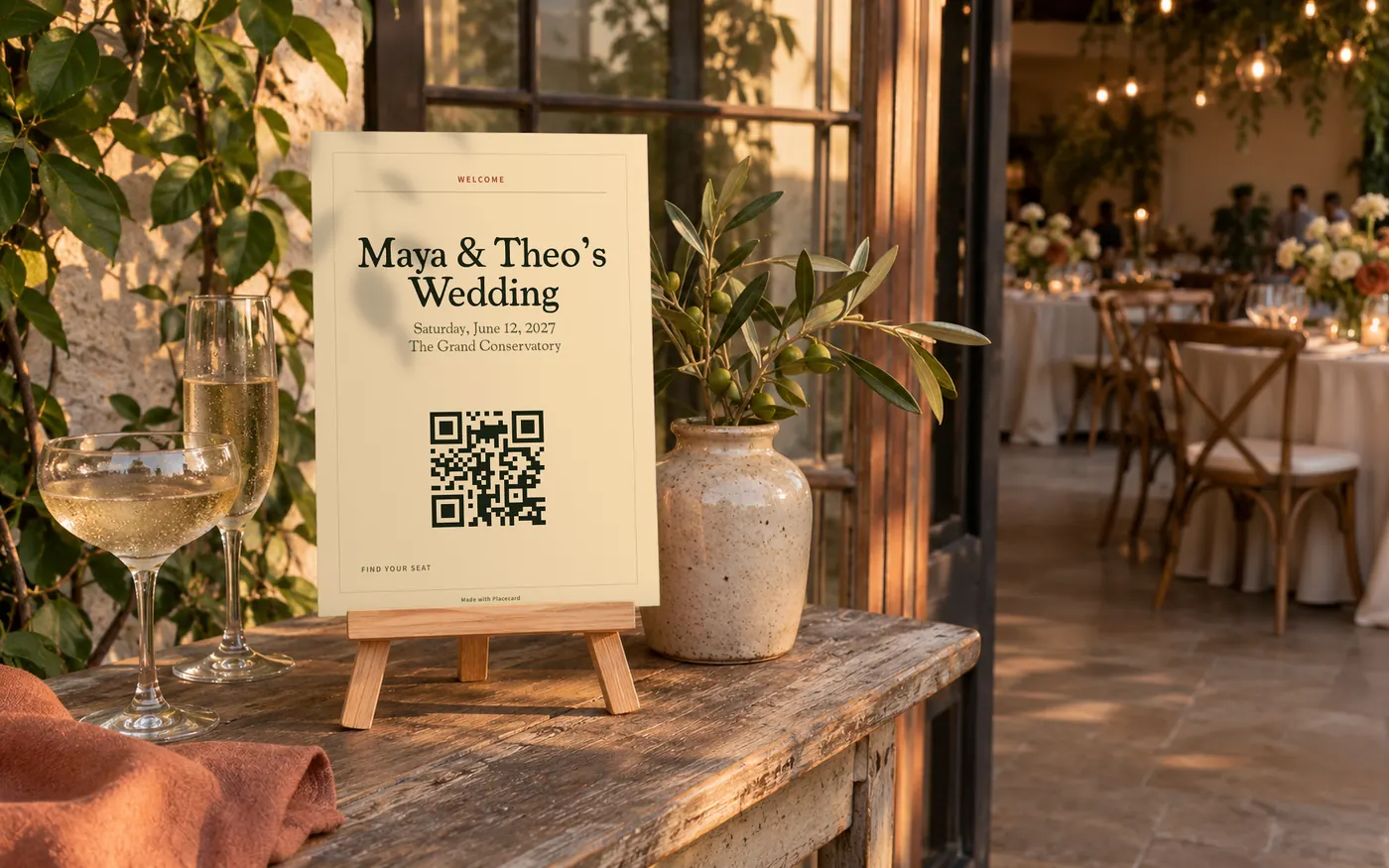
How does a QR code seating chart work?
A guest scans your sign, types two letters of their name, taps it, and sees their table, highlighted on your floor plan if you’ve placed it. If you move someone after printing, their new seat shows on the same page, so there’s nothing to reprint.
Is there a free QR code seating chart?
Yes. Make the chart in a free Canva design or Google Sheet, then point a free Canva QR code at its public view link. Guests read through the file to find their name, and moving someone means editing it.
Which QR seating chart app should I use?
Here’s how Placecard and four other QR seating apps answer what couples ask, going by each app’s own site. An ✕ means the app’s own site doesn’t list it.
| Placecard | MyGuestWork | SeatPlan.io | Forever Farrah | SeatScan | |
|---|---|---|---|---|---|
| Free | Build free; pay to go live | 50 guests, first event | Design free; draft expires | Build free; QR for 30 seats | Live table lookup |
| Price | From $79Free for the next 25 hosts | $49 or $69 | $14 for 90 days | $69 or $89 | Free |
| What guests see | Table, seat, room map, place card | Table, room map at $49 | Table, seat, full chart | Table, room map | Table |
| Seat texts | |||||
| Seats guests for you | Via MCP or ChatGPT plugin | Seats them for you | |||
| Plan together | Edit together or view by link | On planner bundles | Up to 2 people | Invite someone to edit | |
| Print and download | QR signs, chart PDF, place cards | QR sign; guest list, paid | QR sign and chart, paid | Chart and cards, paid | Print your QR |
| RSVPs online | Coming soon | On the $69 plan | On their wedding site | ||
| Photos and videos | Included | On the $69 plan | Photos + short videos, $40 extra | 5 free; more on the $89 plan | Separate Happlee QR |
| Seat emails and check-in | Both | Both; check-in on Manager plan | No arrival check-in |
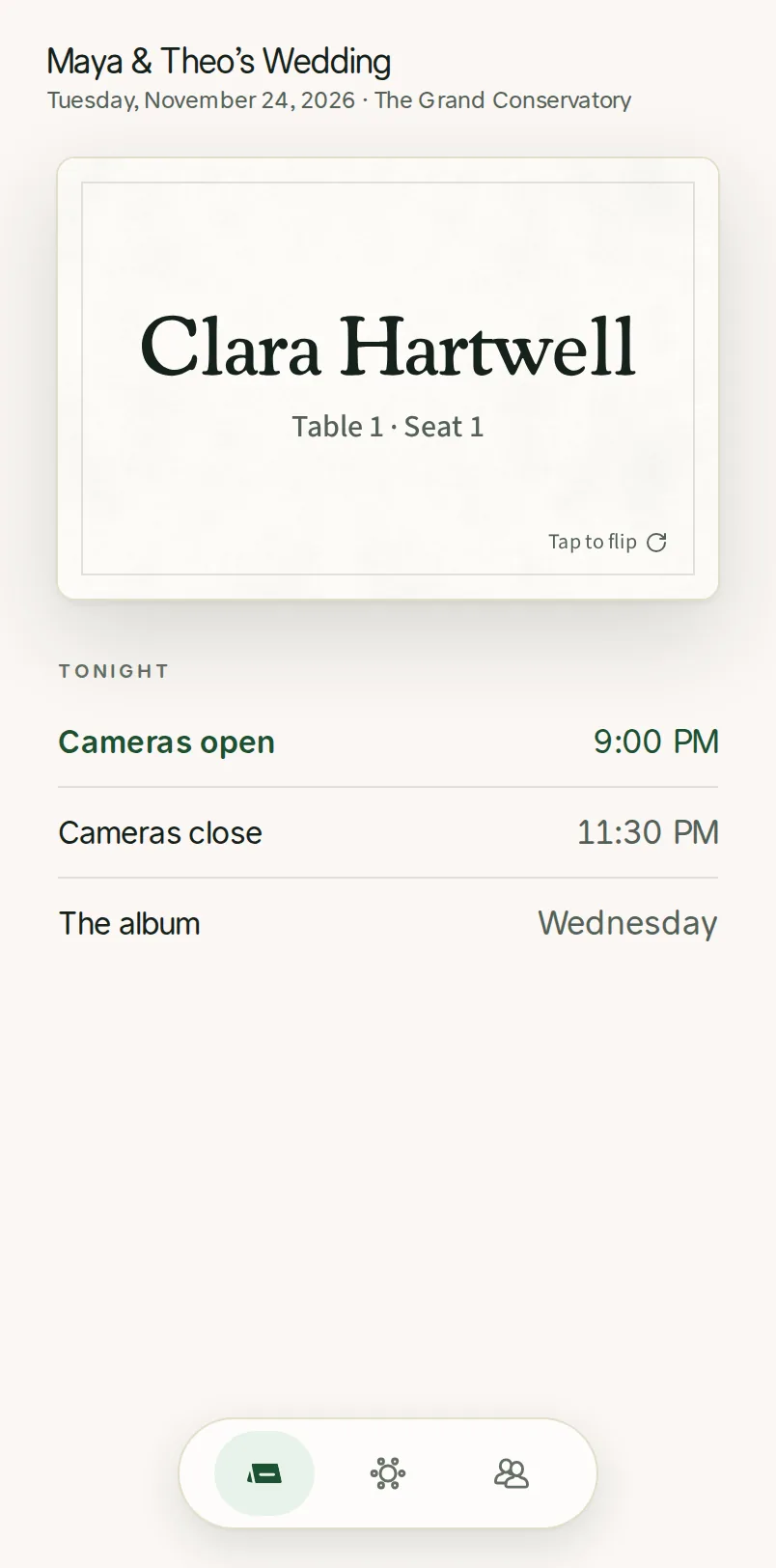
Their place card
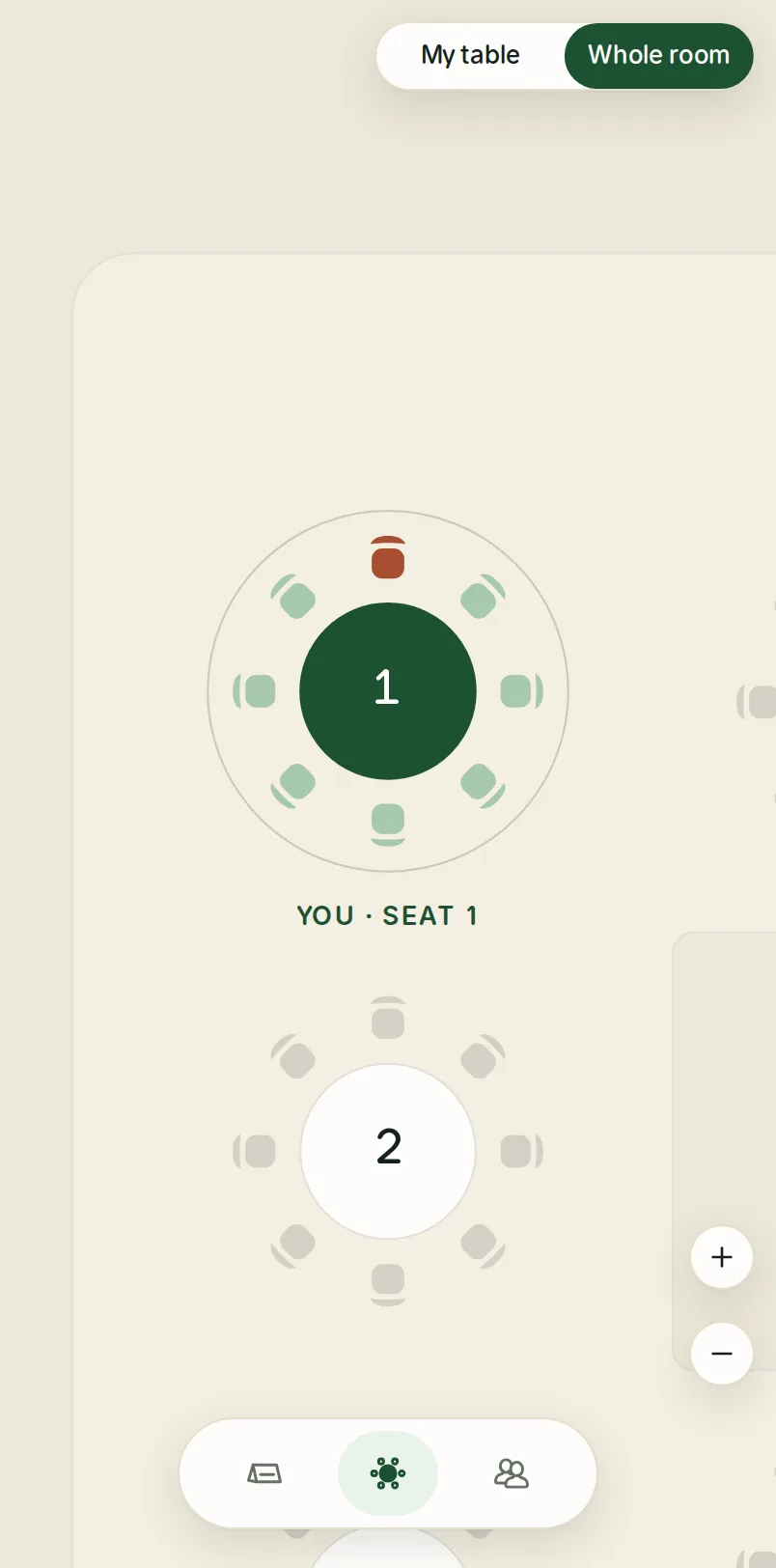
Their table, lit
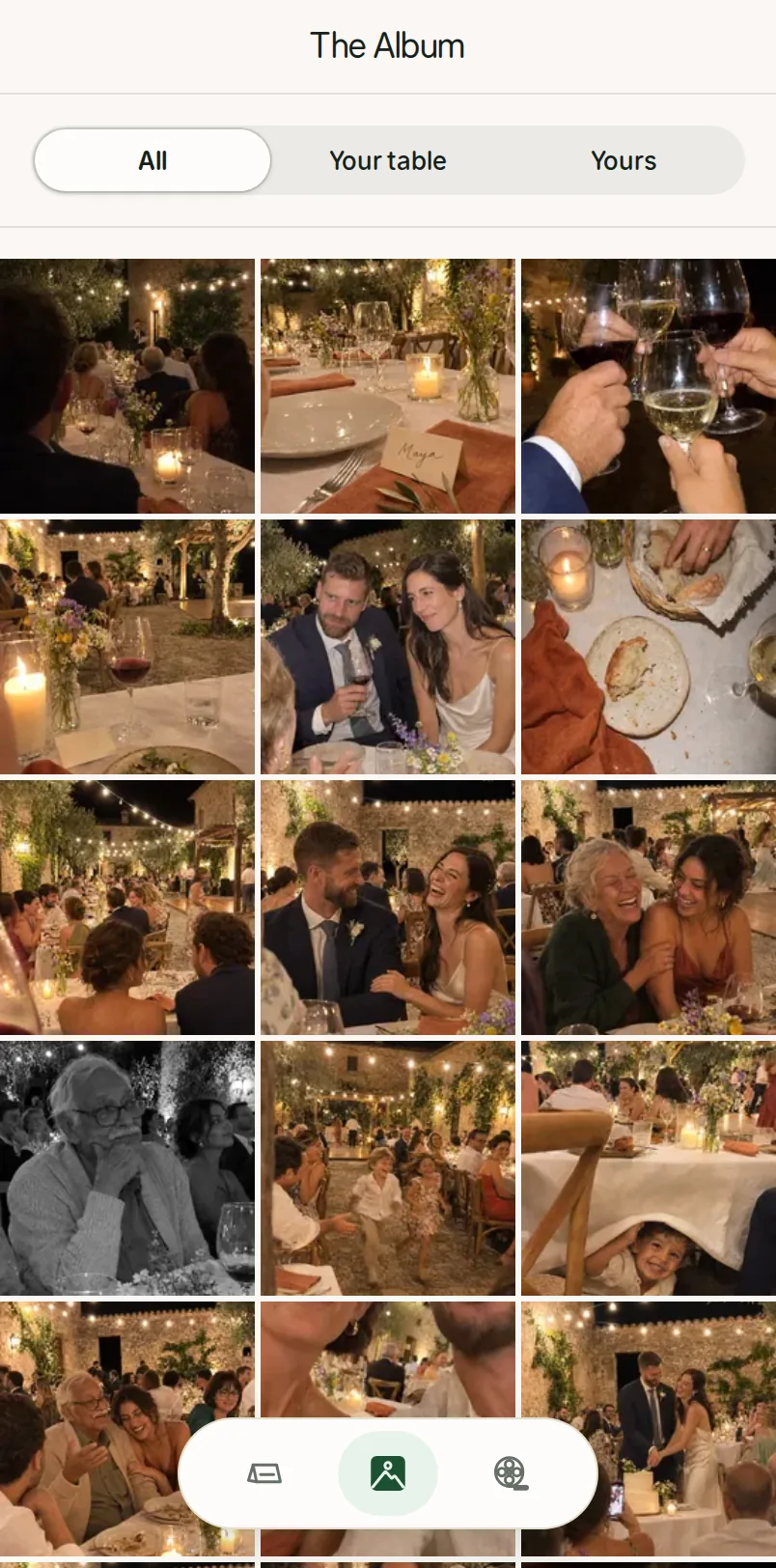
Everyone’s photos
What does a guest see when they scan?
Try finding a seat as a guest would: type two letters of Samir Haddad’s name, tap it, and you’ll see Table 8.
Common questions
Do guests need to download an app?
No, just their phone camera. Your page opens in their browser, and they don’t need an account.
What if the venue has no Wi-Fi?
Guests can open the page on their own mobile data instead.
Can we change seats after printing the sign?
Yes, and the sign you printed keeps working, because changes show up on the same guest page.
What size should the sign be?
Whatever suits your entrance. Placecard’s sign comes in 5 × 7, 8 × 10 or 11 × 14 inches, in ten styles.